Introduction
Welcome to JDXI-Editor, a comprehensive and powerful MIDI editor designed specifically for the Roland JD-Xi synthesizer. Built with modern Python technologies including PySide6 (Qt6), RtMidi, and mido, this application revolutionizes how musicians and sound designers interact with their JD-Xi hardware.
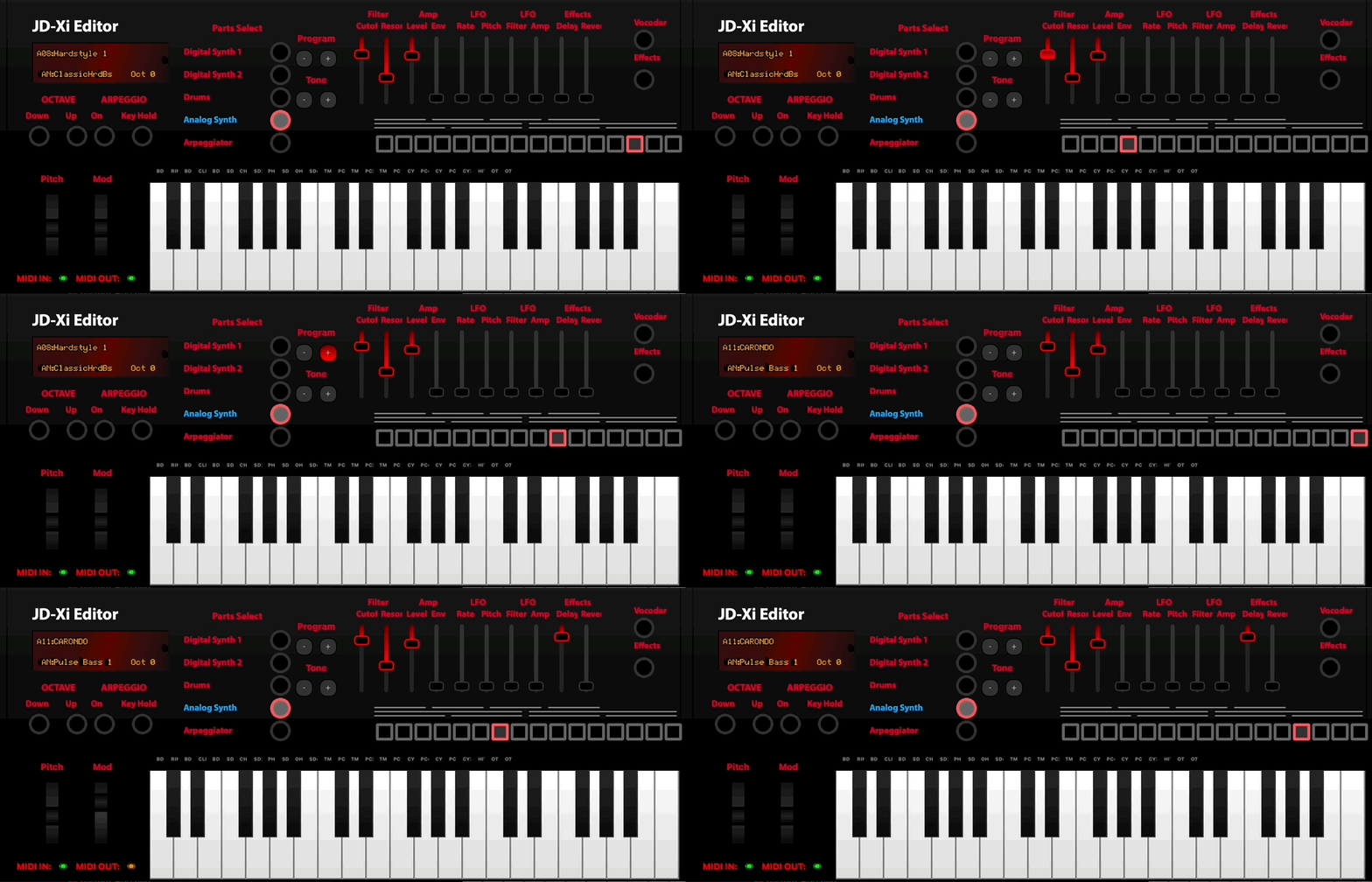
JD-Xi Editor Main Interface
What is JDXI-Editor?
JDXI-Editor is a sophisticated graphical application that provides complete control over your Roland JD-Xi synthesizer through an intuitive, computer-based interface. Instead of navigating through the JD-Xi’s small LCD screen and complex menu systems, you can access and modify every parameter with precision using sliders, knobs, and visual displays on your computer screen.
The application communicates with your JD-Xi via MIDI (Musical Instrument Digital Interface) messages, sending and receiving real-time data to keep your hardware and software perfectly synchronized.

MIDI Logo
Key Features & Capabilities
- ** Complete Synthesizer Control**
Digital Synth Parts 1 & 2: Full editing capabilities for both digital synthesizer parts, including 3 partials per part
Analog Synth Editor: Comprehensive control over the analog synthesizer section
Drum Kit Editor: Customize drum sounds, patterns, and kit parameters
Real-time Parameter Updates: All changes are applied instantly to your JD-Xi
- ** Advanced Effects Processing**
Reverb & Delay: Professional-quality time-based effects
Vocal Effects: Vocoder and Auto-Pitch with polymorphic UI
Arpeggiator: Sophisticated pattern generation and sequencing
Multi-effects Chain: Layer multiple effects for complex sound design
- ** Pattern & MIDI Tools**
Pattern Sequencer: 4×16 step grid with MIDI load/save, part muting, USB recording
MIDI File Player: Track classification, channel assignment, FluidSynth/SoundFont playback
- ** Performance Features**
On-Screen Keyboard: Play and test sounds directly from your computer
Preset Management: Search, load, and organize your favorite sounds
Octave Shifting: Extend your playing range beyond the physical keyboard
MIDI Monitoring: Real-time visualization of MIDI data flow
- ** Professional Tools**
MIDI Debugger: Monitor and troubleshoot MIDI communication
Parameter Logging: Track all changes for analysis and recall
Visual Displays: ADSR envelopes, pitch modulation, and waveform visualization
Cross-Platform: Runs on macOS, Windows, and Linux
Architecture & Technology
JDXI-Editor is built on a robust, modular architecture that ensures reliability and extensibility:
- Core Technologies
Python 3.8+: Modern Python with full type hints and async support
PySide6 (Qt6): Cross-platform GUI framework for native look and feel
RtMidi: High-performance MIDI I/O library for low-latency communication
mido: Python MIDI library for message parsing and generation
- Software Architecture
Modular Design: Separate editors for each synthesizer section
MIDI Parameter System: Comprehensive mapping of all JD-Xi parameters
Real-time Communication: Bidirectional MIDI data exchange
State Management: Automatic synchronization between hardware and software
- User Interface Components
Main Editor Window: Central hub with tabbed interface for all editors
Instrument Display: Visual representation of the JD-Xi with real-time updates
Parameter Controls: Intuitive sliders, knobs, and switches for all parameters
Status Monitoring: Real-time feedback on MIDI communication and parameter changes
Why Use JDXI-Editor?
** Efficiency**: Edit complex parameters in seconds instead of minutes ** Visualization**: See ADSR curves, waveforms, and parameter relationships ** Organization**: Manage presets and settings with computer-based tools 🔍 Precision: Fine-tune parameters with exact numerical control 📊 Analysis: Monitor MIDI data and parameter changes in real-time 🎨 Creativity: Focus on sound design without hardware limitations
The JD-Xi’s small screen and menu-driven interface, while functional, can be limiting for complex sound design work. JDXI-Editor transforms your JD-Xi into a powerful, computer-controlled synthesizer that’s as easy to use as any modern software instrument.
Note
JDXI-Editor is an active development project. While core functionality is stable and reliable, new features are regularly added based on user feedback and community needs.
Getting Started
The application consists of two main windows that work together:
- Main Editor Window
The central interface featuring a tabbed layout with dedicated editors for: - Digital Synth Parts 1 & 2 (with partial editing) - Analog Synthesizer - Drum Kit - Effects (Reverb, Delay, Compressor, Phaser) - Vocal Effects (Vocoder, Auto-Pitch) - Arpeggiator - Pattern Sequencer - MIDI File Player - Program Management (including System Settings)
- Instrument Window
A specialized interface providing: - On-screen keyboard for playing and testing - Real-time parameter monitoring - Quick access to frequently used controls - Visual feedback for MIDI communication
Each editor provides comprehensive control over its respective section, with all changes applied in real-time to your connected JD-Xi synthesizer.
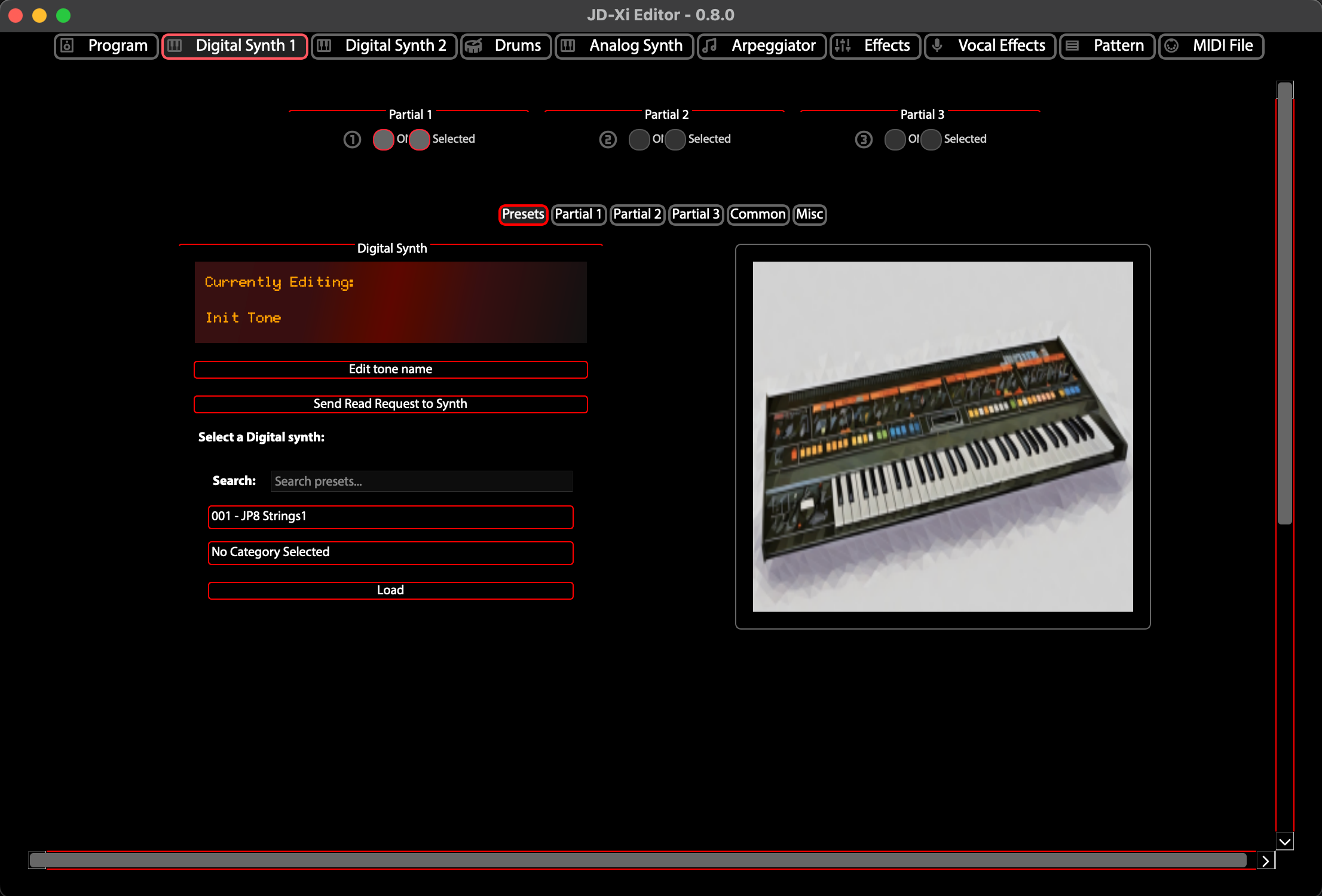
Digital Synth 1
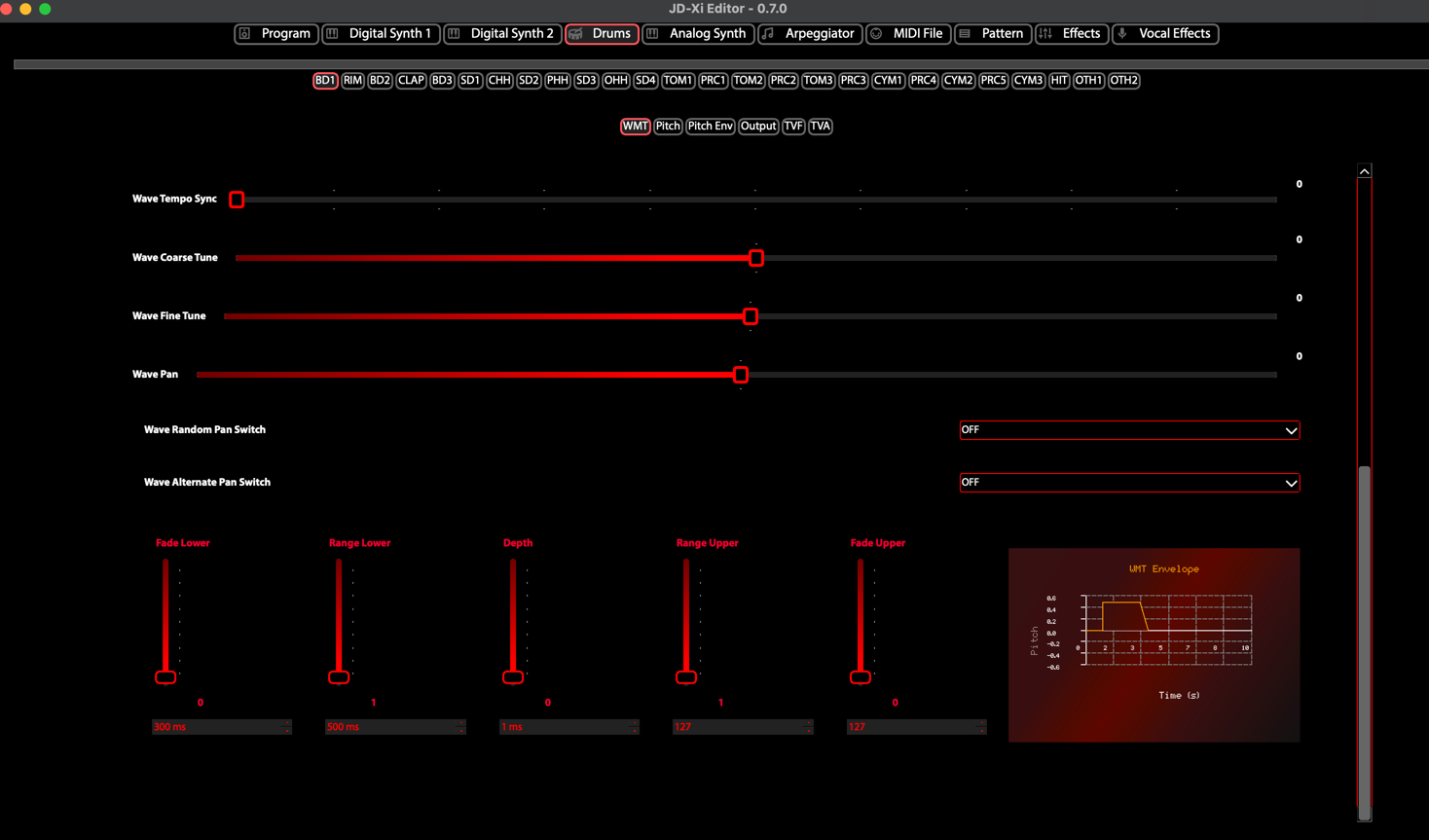
Drum Kit
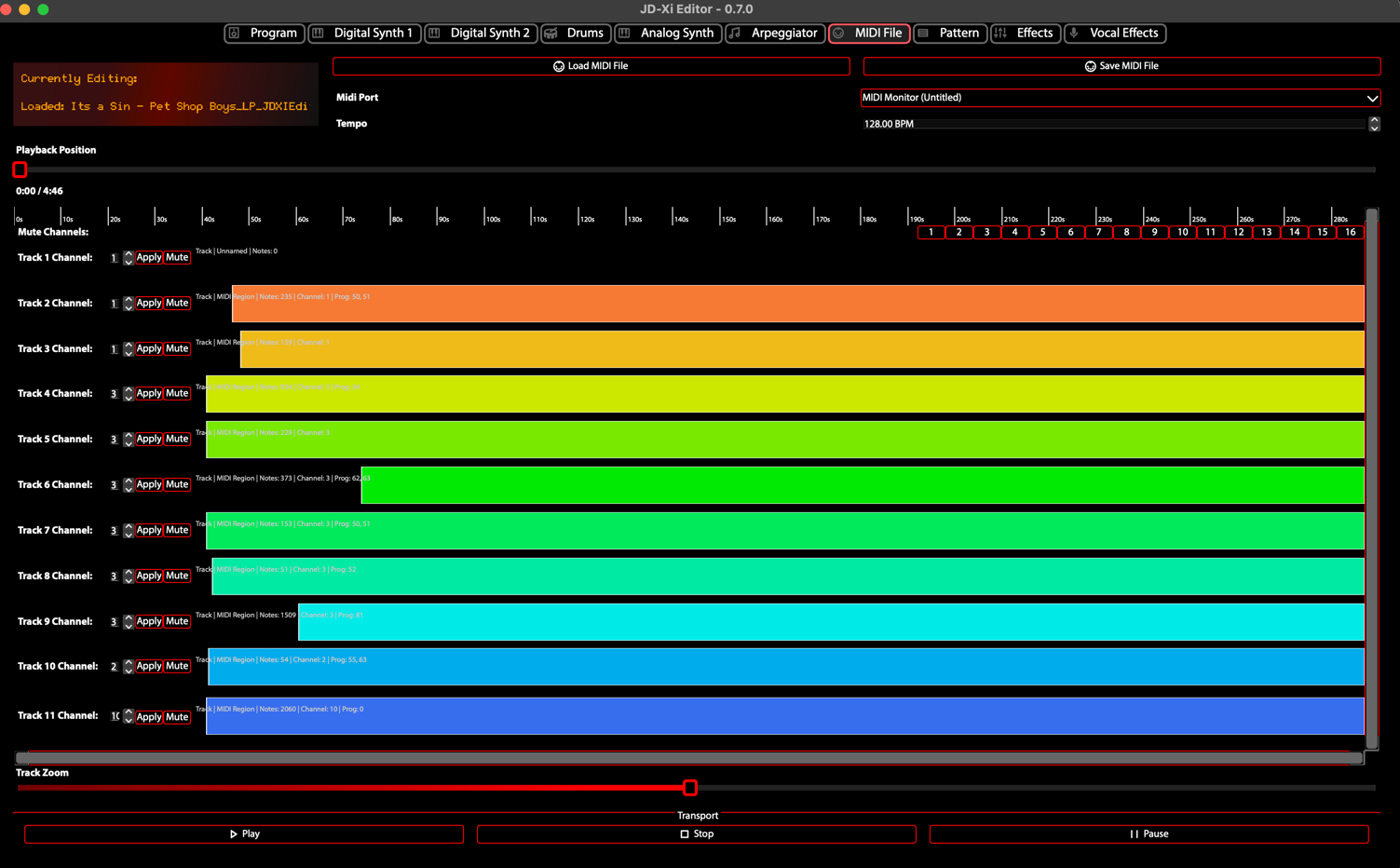
MIDI Editor